Amazon Product Photography Requirements: 2025 Compliance Guide
Selling successfully on Amazon depends heavily on how your product photos look. The platform has very strict eCommerce image rules that keep evolving every year. If your images don’t meet these standards, Amazon’s system rejects them automatically — sometimes before your listing even goes live.
Getting your photos right from the start saves you both time and money. High-quality, compliant images perform better in search results and help increase sales. This 2025 checklist explains Amazon’s latest product photography requirements, technical specs, and best practices to help your listings stand out.
Amazon’s Core Image Guidelines
Amazon classifies your listing photos into two main types — main images and additional images. Both are essential, but each follows different standards.
- Main Images:
These are the first visuals customers see in search results and at the top of your product page. They must show only the actual product being sold — no text, logos, or props. - Additional Images:
You can upload up to nine total images per product. These extra shots can include lifestyle photos, infographics, or close-up detail views that explain your product’s features and benefits. Smart sellers use all available slots to tell a complete product story.
Technical Requirements for Amazon Product Photos
Amazon applies uniform technical rules to every category. Your product images must be at least 1000 pixels in height or width. For better zoom functionality, 2000 pixels or more is recommended.
Accepted file formats include JPEG (.jpg/.jpeg), TIFF (.tif/.tiff), GIF (.gif), and PNG (.png). JPEG is preferred for maintaining quality with manageable file size. The maximum file size allowed is 10MB per image.
Color mode should be sRGB or CMYK. File names must follow Amazon’s official convention — using your product identifier (ASIN, ISBN, EAN, JAN, or UPC) followed by the file extension (e.g., B000123456.jpg). Proper naming helps Amazon process your images correctly.
The White Background Rule
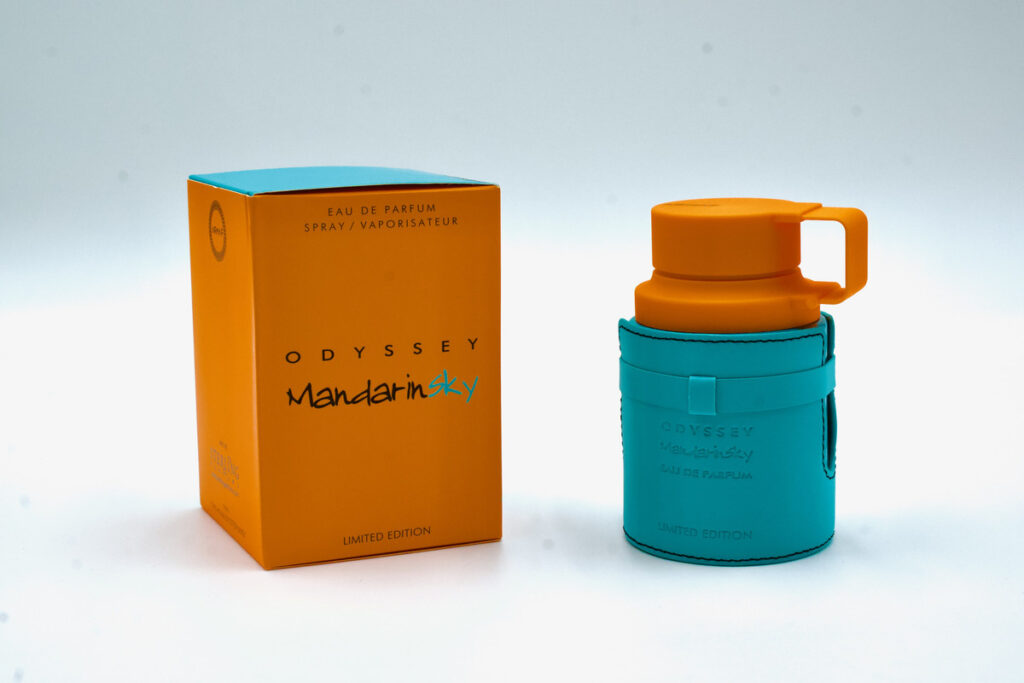
Amazon requires all main images to have a pure white background — specifically RGB 255, 255, 255. Anything off-white or gray will be rejected automatically.
Professional photographers achieve this either by shooting on seamless white paper backdrops or editing digitally afterward. The product should fill at least 85% of the frame (100% for books, music, and video items). No parts of the product should be cropped out, and no props, hands, or reflections are allowed.
Category-Specific Photo Standards
Different product categories have their own additional rules:
- Clothing & Accessories: Items must be photographed flat or worn by a model. No mannequins or dress forms.
- Footwear: Main image must show a clear side view of the entire shoe.
- Jewelry: Keep backgrounds clean and distraction-free.
- Electronics: Display all key ports, screens, and buttons.
- Books: Covers should fill 100% of the frame.
- Toys: Must meet safety and compliance photo requirements.
Food & Beverage Photography Guidelines
Food categories have tighter restrictions. The main image should show the actual food — not just packaging (unless packaging is what’s being sold). For supplements and vitamins, the label, ingredients, and dosage details must be readable.
Amazon may ask for verification that images match the real product, especially for consumables and fresh items. Honest, appetizing presentation builds customer trust.
Beauty & Personal Care Photography
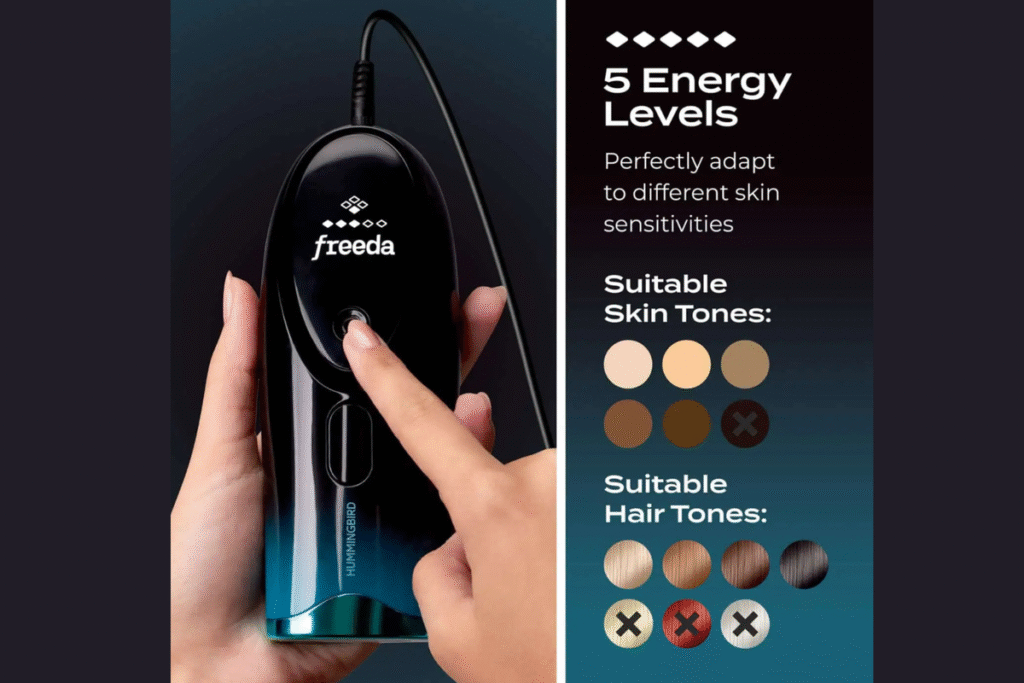
For beauty, skincare, and cosmetic products, show packaging clearly with brand name, product name, and size readable. Additional images can include swatches, ingredient highlights, or before-and-after visuals — just ensure all claims comply with regulations. Professional lighting makes these products look appealing while keeping them true to life.
Optimizing Product Images for Better Conversions
Following the rules keeps your listing active — but optimizing photos drives sales. High-resolution, zoom-enabled images increase buyer confidence and conversion rates.
Use soft, diffused lighting to avoid harsh shadows. Many sellers use lightboxes or studio setups for small items. Consistency in lighting and color helps your brand look professional. Natural light can work well, but always aim for uniform brightness across all photos.
Composition & Framing Tips
Your product should take up most of the frame, leaving just a small margin of white space. Maintain 85% fill for most categories and 100% for books, music, and video.
Shoot from angles that highlight important features — for example, showing ports and controls for electronics or fabric details for apparel. Include multiple views (top, side, bottom, and close-ups) to give buyers a full understanding.
Lifestyle & Contextual Photography
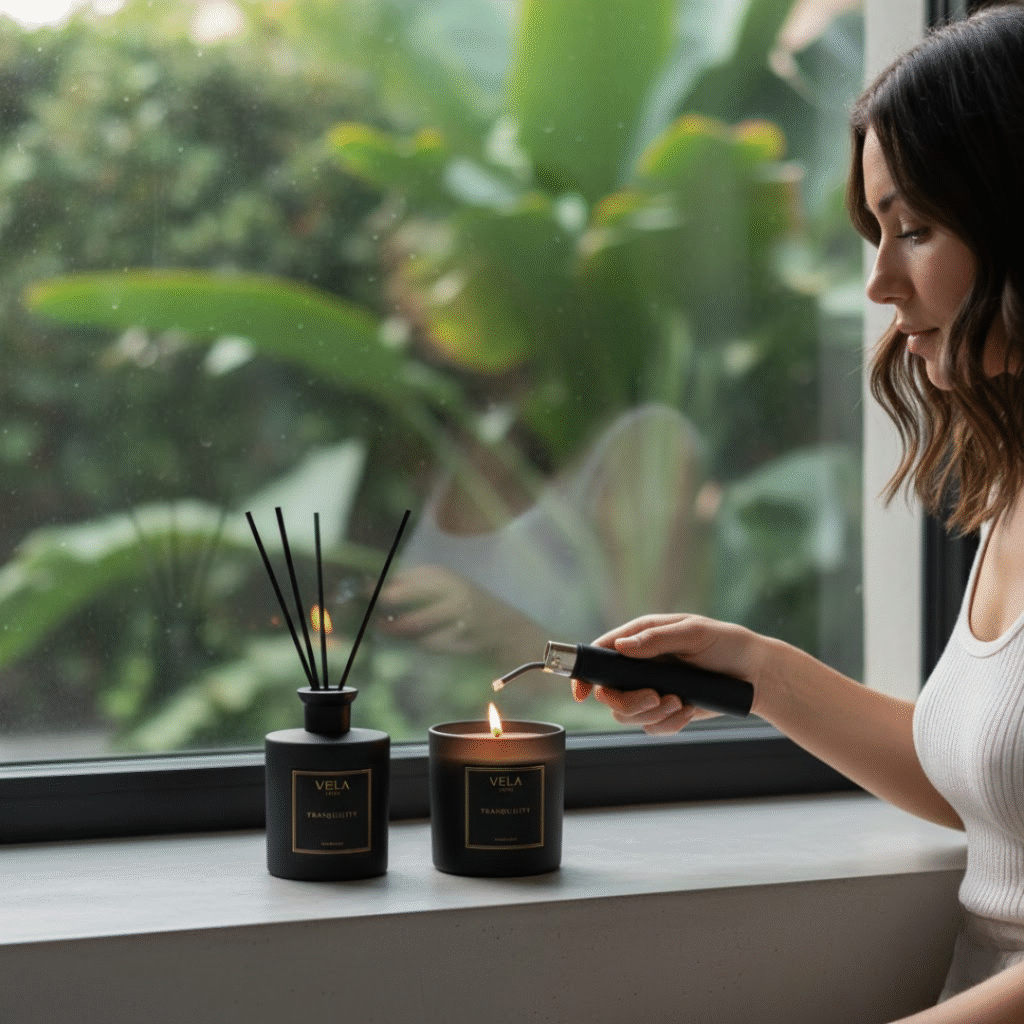
Additional photos are perfect for showing your product in real-life settings. You can include props, models, or background environments that help customers imagine using the product.
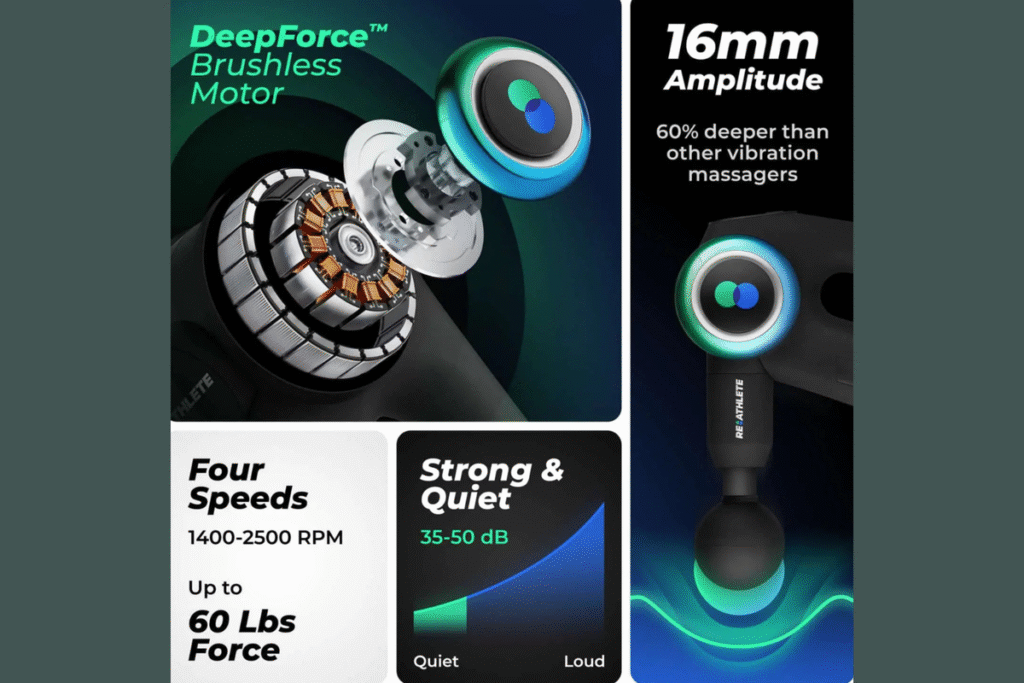
For example, a kitchen utensil looks better when shown in action, and clothing feels more relatable when worn by a real person. You can also add infographics with measurements, features, or benefits. These visual explanations reduce customer confusion and returns.
Common Reasons for Image Rejection
Amazon’s automated review process flags non-compliant images fast. To avoid rejection:
- Don’t upload blurry or pixelated photos.
- Avoid logos, watermarks, or promotional text on main images.
- Keep colors realistic — no over-editing or heavy filters.
- Don’t digitally alter product features or remove visible flaws.
Always ensure your product looks accurate and trustworthy. Over-edited images lead to poor reviews and returns.
Avoiding Manipulation & Color Issues
Your product photos should represent reality. Minor retouching and exposure fixes are fine, but artificial enhancements or fake features aren’t. When removing backgrounds, use precise selection to avoid jagged edges. A clean cutout makes your listing look professional.
How to Get Compliant Product Photos
There are two main approaches:
- Professional Amazon Product Photography Services
Hiring experts guarantees consistency, high quality, and compliance. Professional photographers already understand Amazon’s requirements and can handle lighting, editing, and background removal properly. - DIY Product Photography
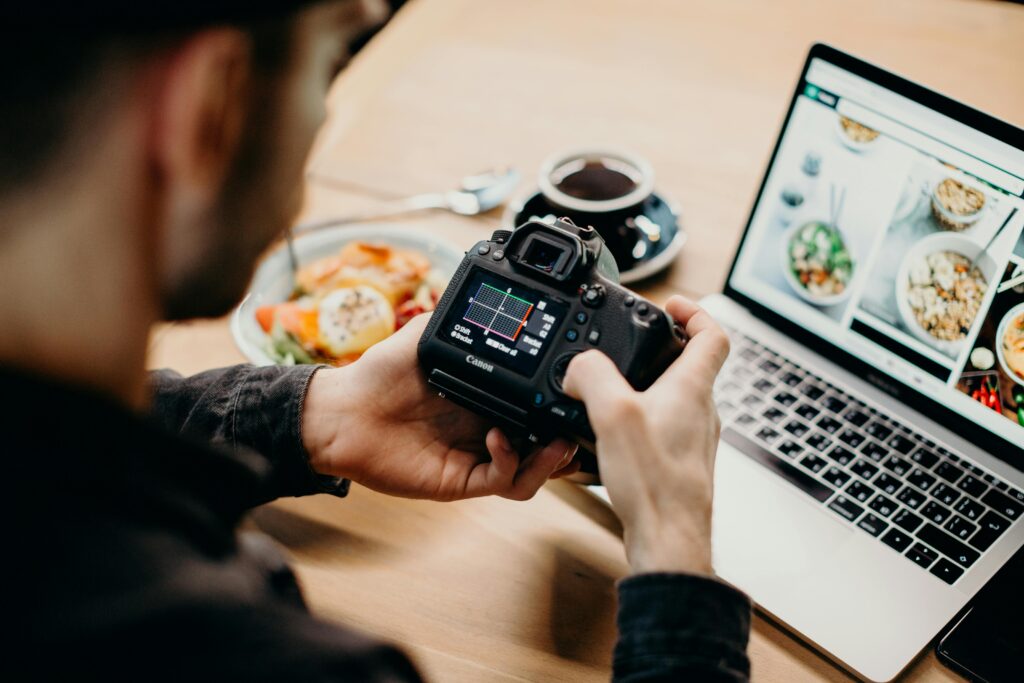
If you’re confident with a camera, you can take your own shots. Use a good camera or modern smartphone, maintain proper lighting, and edit carefully to achieve a pure white background (RGB 255, 255, 255).
DIY Photography Tips for Beginners
- Use a lightbox for smaller items to eliminate shadows.
- Shoot in bright, consistent lighting — avoid mixing warm and cool tones.
- Capture multiple angles and choose the sharpest shots.
- Use editing software like Photoshop to adjust brightness and background color.
- Keep the photo realistic — don’t over-edit or alter the product’s appearance.
Uploading and Managing Your Amazon Image Library
When creating or updating listings, upload up to nine images per product. Log in to Seller Central → Inventory → Manage Images, select the slot you want to fill, and upload your photo. Amazon usually reviews and approves images within a few hours if they meet all standards.
Regularly check your listings to ensure all images remain visible. Missing images or suppressed listings can significantly hurt sales performance.
Dealing with Image Suppression
Sometimes, Amazon suppresses images even after approval due to later policy updates or detection errors. Review the reason, fix the issue, and resubmit promptly. Consistent compliance helps prevent suspension and keeps your listings active.
Final Thoughts
Amazon product photography isn’t just about good-looking pictures — it’s about compliance, consistency, and clarity. Whether you’re working with professionals or doing it yourself, always focus on realistic representation, pure white backgrounds, and optimized resolutions.
If you’re looking for the best product photography in Seattle or need expert product photography enhancement, TheFocusCraft.com offers tailored services designed for Amazon sellers. Get your listings fully compliant and visually stunning — because the right photo doesn’t just meet the rules, it makes customers click Buy Now.
Elevate Your Photography Skills with Focus Craft
Want to take your photography to the next level? Focus Craft is here to guide you every step of the way. Explore our informative and practical posts to learn proven tips, lighting techniques, and creative composition ideas that truly make a difference.
Whether you’re a beginner or a professional looking to refine your skills, Focus Craft helps you capture moments that speak louder than words.
Start reading our latest posts on Focus Craft and discover how you can transform your photography style today!
Need personalized guidance? Contact us — let’s craft your focus together!